
Passing the CKA Certification: Lessons from My Real-World Experience

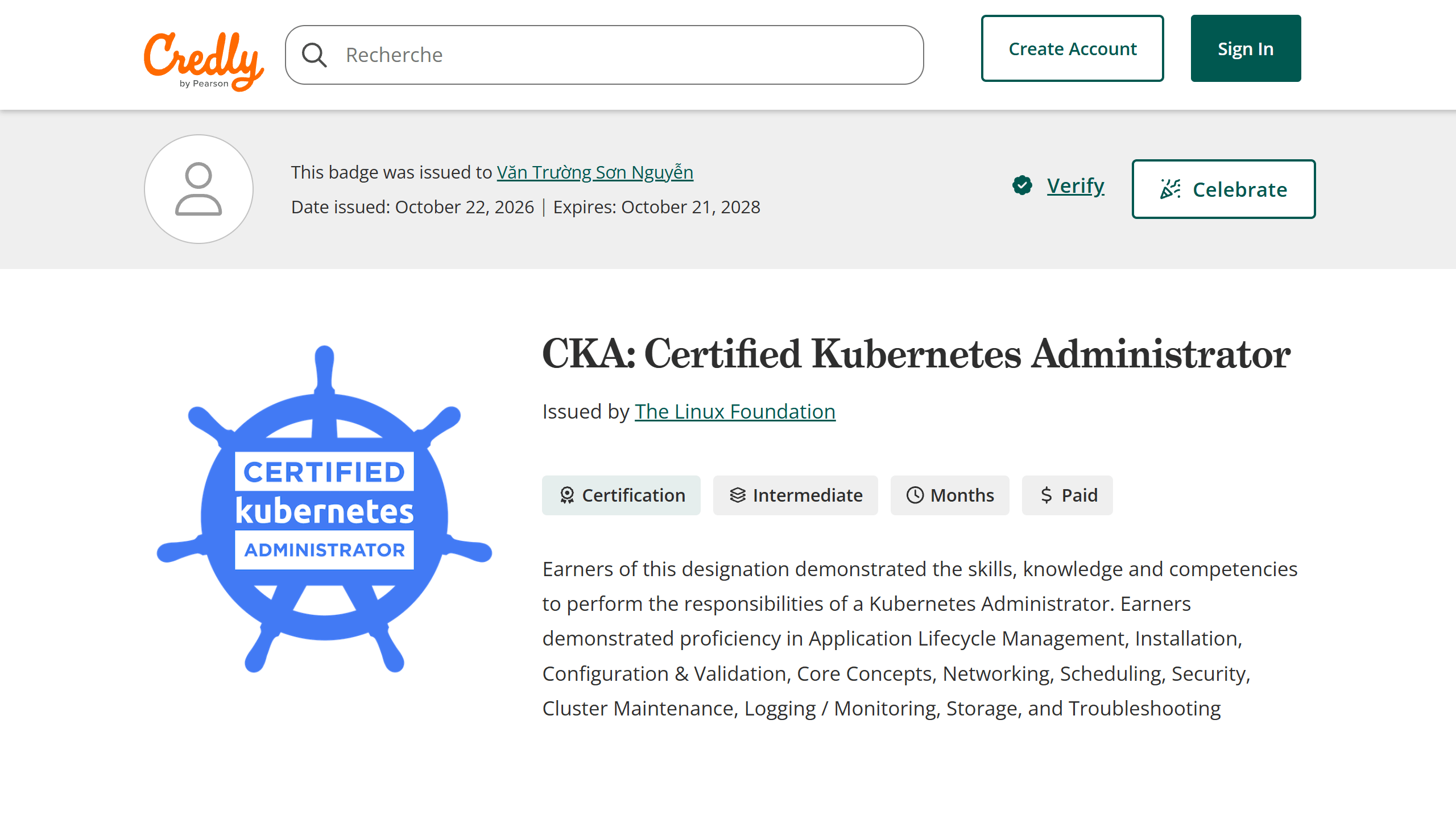
Table of Contents
About Me
I’m Sơn, currently working as a DevOps Engineer. At my company, I mainly work with AWS native services and web services. After spending some time in the field, I wanted to look for new opportunities and level up my skills, so Kubernetes became the next goal I wanted to tackle.
Before taking the exam, I read quite a few experience-sharing articles across the DevOps VietNam ecosystem. I also had the opportunity to purchase a certification exam bundle at a discounted price through the DevOps VietNam x Linux Foundation Education: Dual Benefit Program.
There is also the DevOps VietNam Hall Of Fame, which recognizes engineers who have earned certifications. Thanks to the DevOps VietNam team for sharing these useful resources!
How I Studied and Prepared for the CKA
-
I chose the CKA with Practice Tests course by KodeKloud on Udemy as my main learning resource. You can also subscribe directly to KodeKloud if you plan to study for multiple certifications.
-
My second learning resource was https://github.com/theplatformlab/CKA-Certified-Kubernetes-Administrator. This GitHub repository contains quite a few small labs, Mock Tests, and some very practical exam tips.
While studying, I watched the videos and worked through the labs included in the course at the same time. I also set up my own 4-node Kubernetes cluster using kind, with 1 control plane and 3 workers, so I would have another environment for practice.
The GitHub repository above already had a script for creating a 1-node cluster, so I asked AI to update it to 4 nodes so I could practice more scenarios.
One thing I paid particular attention to during my preparation was prioritizing the Kubernetes Official Documentation when solving labs instead of simply memorizing commands or copying instructions.
In my opinion, the CKA exam does not heavily test whether you can memorize long commands. What matters more is how you approach problems, whether you know what you need to look for, and how effectively you use the available documentation.
Getting familiar with the official docs from the beginning of your preparation helps a lot when you enter the real exam.
How I Practiced and Made the Most of Mock Tests
Mock Tests on Udemy
The Udemy course includes 3 mock tests that I found very useful.
I think you should take advantage of them to improve your speed, consolidate what you have learned, and review your knowledge.
If you have enough time, try each test at least twice so the workflow becomes more natural.
Killer.sh
When you purchase the CKA exam, you receive 2 mock tests, A and B, on killer.sh. Each session lasts 36 hours.
I took them at the following times:
- Test A: Around 10 days before the real exam.
- Test B: Around 4 days before the real exam.
I deliberately reserved Saturday and Sunday for practice because I still had to work during the week, which made it difficult to take full advantage of the 36-hour session.
How I Used the 36 Hours on killer.sh
Morning: Take the Test and Review It
I usually woke up around 7 to 8 AM and took the test for the first time under conditions similar to the real exam, using only the official documentation allowed during the exam.
After completing the first attempt, I started reviewing my work:
- For questions that were almost finished or only slightly wrong because I ran out of time, I completed them.
- For questions I did not know how to solve, I studied the documentation more carefully or asked AI for reference approaches and ways of thinking about similar problems within the same knowledge domain.
- For questions I got wrong, I tried to understand the reason instead of simply reading the answer and repeating it.
- Reviewing the test usually took another 2 to 3 hours. By around 11 AM to noon, I would stop and take a break.
Afternoon: Repeat the Test to Build Speed
In the afternoon, I took the test again to reinforce the knowledge and improve my speed.
I usually repeated each test around 3 to 4 times. By the third or fourth attempt, I was already very familiar with the workflow, so it usually took only around 60 minutes or slightly more to finish with the maximum score.
Afterward, I also wrote down the knowledge areas I was still missing or did not fully understand so I could study the related CKA domains more deeply.
In my opinion, repeating the same test several times is useful, but the most important thing is still understanding why you are doing something instead of simply memorizing the solution to one specific question.
Thoughts on the Real Exam and My Exam Strategy
Exam Difficulty
From my personal experience, the real exam felt slightly easier than tests A and B on killer.sh and some of the other resources I studied, including the CKA repository and the Udemy course.
The main reason was that each question had fewer individual requirements.
Both killer.sh tests I took contained 17 questions, while my real exam had 16.
Overall, I felt that the actual content was quite close to what I had practiced, around 90/100 in terms of similarity based on my personal impression.
Of course, this is only based on the exam set I received, so the difficulty may vary from person to person.
Time Management Strategy
The GitHub repository I used suggested an 80 – 30 – 10 strategy:
- First 80 minutes: Complete the questions you know how to solve.
- Next 30 minutes: Focus on difficult or flagged questions.
- Final 10 minutes: Review the entire exam.
However, after taking the exam, I think 60 – 45 – 15 would work better for me.
That means spending the first 60 minutes completing easy and familiar questions, the next 45 minutes working through harder ones, and definitely reserving the final 15 minutes for reviewing everything.
My Actual Exam Experience
On exam day, there were around 10 to 12 questions I could solve fairly quickly. I expected those to take around 60 minutes, possibly even less.
But things did not go quite that smoothly.
This was my first time taking an exam through PSI, so a few issues came up that I had not anticipated.
First Mistake: Not Checking My Computer Settings Carefully Before the Exam
I forgot to turn off Unikey, and my Wi-Fi connection was not particularly good either.
As a result, during roughly the first 40 minutes, I kept running into an issue where Vietnamese characters were being typed twice inside the PSI app.
It was extremely frustrating at the time. I even started thinking I was probably going to fail.
Fortunately, I eventually discovered that I could use a keyboard shortcut to disable Unikey even while inside the PSI app.
Once I fixed the issue, I was able to continue the exam normally.
Over the next 30 minutes or so, I completed the remaining questions that I knew how to solve.
Then I went back to around 5 to 6 questions that I had flagged earlier because I knew they would take more time.
In the end, there were still 2 questions I could not resolve:
- 1 Helm ArgoCD question: This was also the area I had prepared for the least. Don’t make the same mistake I did.
- 1 cluster troubleshooting question: It was pretty tough, and I still could not figure out the solution by the end of the exam.
Second Mistake: Spending Too Much Time on Difficult Questions
I spent around the final 30 to 40 minutes searching through documentation and trying to solve those 2 flagged questions, but I still could not get them done.
That left me with less than 10 minutes to review the entire exam, which was nowhere near enough.
When the exam ended, I was not particularly happy with how I had managed my time.
Fortunately, I had developed a habit of checking my work carefully as I went through the earlier questions, so I still ended up receiving the Congratulations email!
The main lesson I took away from this experience was:
Do not get so obsessed with difficult questions that you sacrifice the time you need to review the questions you already completed.
This is especially true when you encounter questions from a domain you are not very confident in. Continuously searching through documentation and trying different things may be less effective than spending that time making sure your other answers are correct.
For example, during my exam, I found the Helm documentation fairly difficult to search, but I stubbornly kept trying anyway. In the end, I spent a lot of time on it without actually solving the problem.
If I could take the exam again, I would definitely follow my time allocation strategy much more strictly.
Exam Room Setup and a Few Notes About PSI
I chose to take the exam from home at 8 PM.
Around 30 minutes before the scheduled exam time, you can begin the check-in process with the proctor.
I waited around 5 to 7 minutes before the proctor started assisting me.
One small piece of advice is to clean up your workstation as much as possible before check-in and leave only the items that are allowed during the exam.
That day, I had the following on my desk:
- Laptop.
- External mouse and mouse pad.
- A bottle of water with the label removed.
In my opinion, the more minimal your setup is, the faster the check-in process will be.
I had not prepared carefully enough at first, so the proctor asked me to remove everything from the bookshelf and place it on the floor before I could start the exam.
It was pretty exhausting, and I ended up spending almost 30 minutes just on the check-in process.
You should also carefully check things like your Vietnamese input method, network connection, monitor, and other related settings before exam day.
I ran into the Unikey problem myself, so I really think this is important.
A Few Final Thoughts
Looking back at my CKA preparation and exam experience, I think the most useful thing I gained was not only Kubernetes knowledge, but also the habit of researching documentation myself, troubleshooting, and solving problems.
If I could leave a few pieces of advice for anyone preparing for the CKA, they would be:
Practice as much as possible, use the official documentation from the beginning of your preparation, take mock tests seriously, and have a clear time management strategy for the real exam.
Most importantly:
Do not focus so much on difficult questions that you forget to review the parts you already completed.
This is just a small part of my own journey of improving myself. I hope you can find something useful in this article while working toward the CKA, and hopefully apply some of it to your real-world work as well.
Thanks for reading all the way to the end!