
An Extremely Powerful Linux Command You May Have Never Used

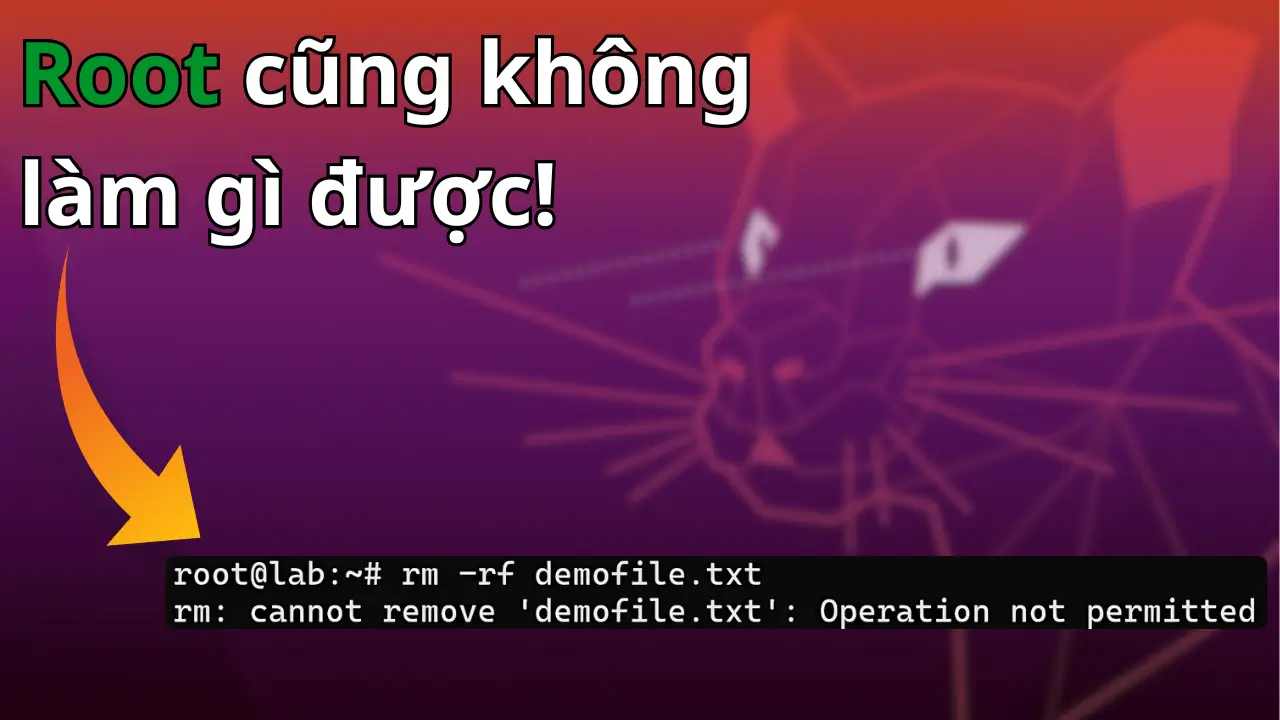
When Even root Has to… Give Up
Last Friday afternoon, I SSHed into a familiar server to review a few things and clean up some old files. I typed rm abcdxyz.log without thinking twice.
But instead of quietly doing its job like usual, the terminal returned:
rm: cannot remove 'abcdxyz.log': Operation not permittedI was using the root user.
The file was not read-only, no process was holding it, and even if you tried chmod 777, chown, kill -9, NONE OF IT WOULD HELP.
One command immediately came to mind. I had not used it in a long time, but it is one of those commands that can make even root “give up”: chattr.
And sure enough, that was exactly what had happened. A younger teammate was investigating some old logs and had enabled “untouchable mode” on the file.
I thought it was useful enough to write about and share with everyone.
So What Is chattr?
chattr stands for “change attribute”.
It does not work with normal permissions like rwx. Instead, it operates at a deeper level: special flags in the filesystem.
When you apply the +i flag to a file, that file becomes immutable. It cannot be modified, deleted, or renamed.
Even if you are root.
Think of it as putting a security seal on a file in the Linux world. Once the “do not touch” seal is applied, the kernel will simply reject destructive operations against it.
Yes, pretty much all of them.
Let’s Try It for Fun
root@lab:~# echo "data" > demofile.txt
root@lab:~# chattr +i demofile.txt
Now try deleting it:
root@lab:~# rm demofile.txt
rm: cannot remove 'demofile.txt': Operation not permitted
Or modifying it:
root@lab:~#echo "new" > demofile.txt
bash: demofile.txt: Permission denied
If you want to do anything with the file again, you first have to… ask the kernel for permission by removing the flag:
root@lab:~# chattr -i demofile.txtHow to Check Whether a File Has the +i Flag
root@lab:~# lsattr demofile.txtThe output may look like this:
----i--------e-- demofile.txtThat little i is the thing that has been making you scratch your head this whole time.
Other Powerful chattr Flags
| Flag | Short description |
|---|---|
+i |
Immutable: nothing can touch it |
+a |
Append only: data can only be appended, not deleted or modified |
+A |
Do not update access time |
+d |
Exclude the file from backup when using dump |
In practice, +i and +a are the two most commonly used flags.
Each has a very clear use case.
How Can chattr Be Used in Real Life?
There are actually quite a few practical ways to use this. It mostly depends on how you think about the problem.
I have already explained the core behavior above, so how you apply it and for what purpose is really up to you.
Here are a few examples for reference.
1. Prevent Tools from Overwriting a Config File
You configure DNS in /etc/resolv.conf, but every time you connect to a VPN or renew DHCP, the file gets overwritten.
Annoying?
root@lab:~# chattr +i /etc/resolv.confDone.
Leave it there. Anything that tries to touch it will get an error.
2. Protect ~/.ssh/authorized_keys
You use SSH keys to access the server.
But an attacker, or maybe just some stupid script, could delete this file.
root@lab:~# chattr +i ~/.ssh/authorized_keysSeal it.
Completely protected.
3. Make Logs Append Only
You want to make sure a log file cannot be modified or deleted:
root@lab:~# chattr +a /var/log/secureNow it can only be appended to.
Want to “erase your tracks” from the log?
Not happening :)))
What Happens When You Apply +i to a File?
- You cannot use
rm,mv,truncate,echo,nano, orvimon it. - You cannot rename the file.
- You cannot create a hardlink to it.
- Even a backup script may fail if its logic involves deleting the file and recreating it.
It is extremely powerful.
Basically, if you do not know that +i has been enabled, you are going to get very annoyed trying to figure out why you cannot modify the file.
Is There Any Way Around It?
No.
The kernel does not care whether you are root or anyone else. If the i flag is still there, even rm is useless.
The only way to make everything behave normally again is to remove the flag:
chattr -iA Few Important Notes
- Only use
chattron filesystems that support it, such as ext2, ext3, ext4, XFS, and so on. - Avoid applying
+ito system directories unless you really understand what you are doing. - Document it in your runbook: which files have been flagged, who applied the flag, and why.
Final Thoughts
chattr is not a new tool, but plenty of admins have never touched it.
And yet a single +i flag can save you from all kinds of trouble: DNS configuration being overwritten, logs being deleted, or someone accidentally removing an important system file.
And the most interesting part?
It reminds you that on Linux, sometimes the ultimate power does not belong to root, but to a few tiny flags quietly hidden away in the inode.
Want to protect your server better?
Do not stop at chmod and chown.
Remember this:
Some files should exist exactly the way you created them. And chattr can be the final seal protecting them.
If you found this article useful, share it with the team and maybe troll your teammates a little to see whether they know what is going on :)))